Practical guidance for the questions that arise before, during, and after your STEM lessons.
You May Be New to STEM—But You Are Not New to Teaching
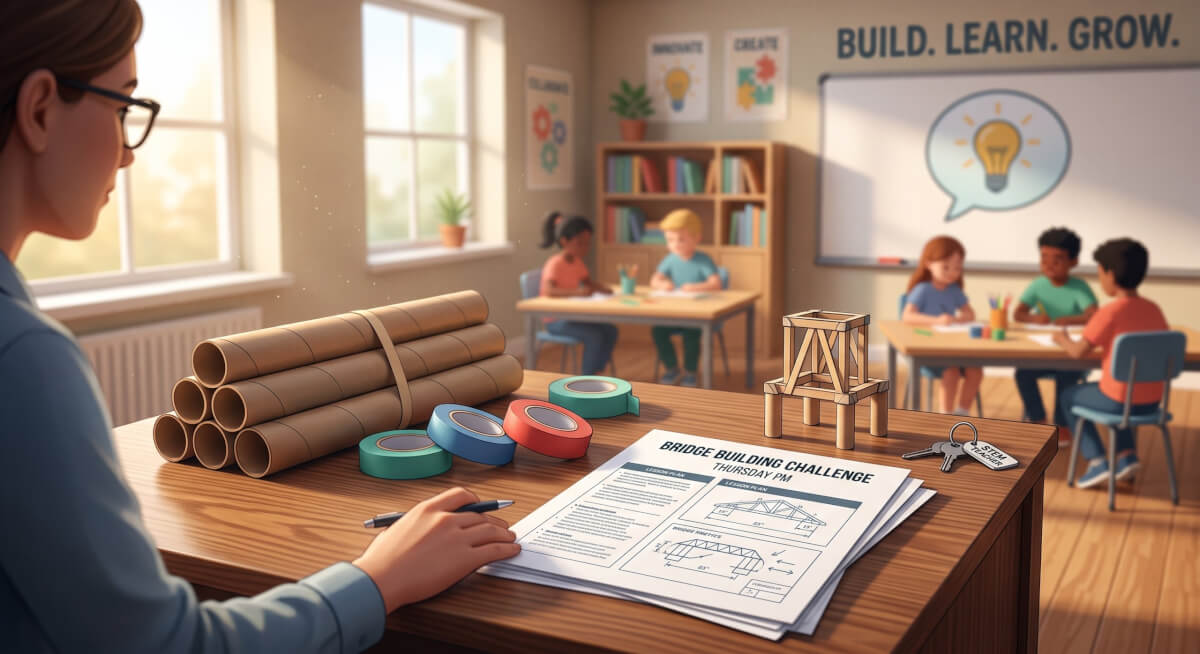
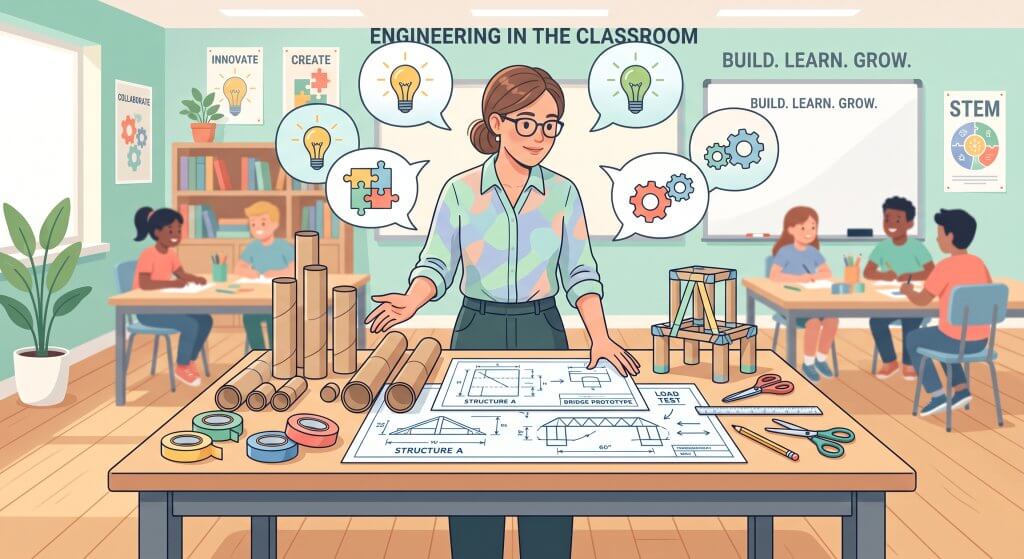
It is Thursday afternoon, and you are staring at a stack of cardboard tubes, three rolls of masking tape, and a PDF for an ambitious bridge-building challenge. If you are teaching STEM for the first time, that feeling in the pit of your stomach is entirely normal. You have twenty-eight fifth graders arriving tomorrow morning.
You know how to manage a classroom, build a strong community, and teach reading or math—but as you look at those STEM supplies, the doubt creeps in: How do I keep this hands-on challenge from dissolving into unstructured free-for-all? How do I make sure they are actually learning engineering concepts, rather than just taping things together?
If this scenario sounds familiar, you are in good company. Being “new to teaching STEM” takes many forms:
- An elementary teacher adding a weekly science or engineering block to an already packed schedule.
- A math, science, or general ed teacher handed a computer science or robotics section—wondering how to debug student code when you are still learning the programming language yourself.
- A library, makerspace, or media specialist expanding your role to lead school-wide design challenges.
- A veteran educator transitioning to a new grade level, subject area, or curriculum model.
Here is the truth that often gets lost in the noise of curriculum catalogs and professional development workshops: Teaching STEM for the first time is not primarily a materials problem. It is an instructional decision-making problem. You do not need to master every technical concept before day one. You simply need practical support to make the next right teaching decision.
“Only 1 in 5 teachers gets real follow-up coaching after PD. That’s the gap My STEM Coach was built to close.”
What Makes Teaching STEM Feel Different?
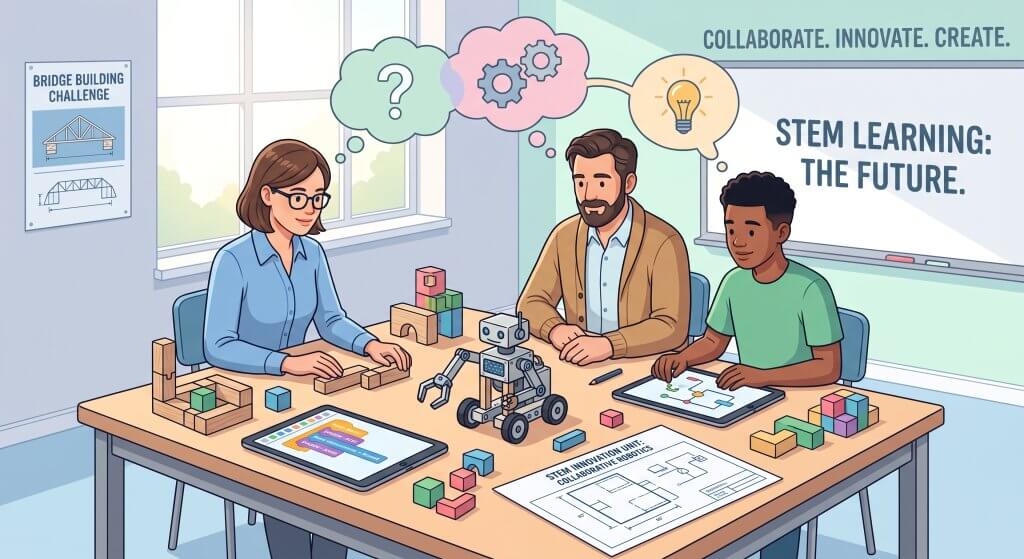
Transitioning into STEM instruction and inquiry-based learning can feel disorienting. This is not because the content is impossibly complex, but because the dynamics of the room shift entirely. In a traditional lesson, the path from input to outcome is often linear. In a STEM classroom, you are managing several variables at once:
- Integrating multiple subject standards into a single, cohesive experience.
- Managing physical and digital environments: Balancing physical materials, hardware, and screen-based coding environments simultaneously.
- Structuring collaborative roles so every student contributes meaningfully.
- Facilitating open-ended problems that yield vastly different student solutions.
- Navigating productive struggle: Resisting the urge to fix a broken line of code or a collapsed bridge for a student, and instead asking prompts that guide them to debug their own thinking.
- Assessing procedural thinking and problem-solving, not just a final, polished project.
Uncertainty during this transition is entirely normal. National guidance on inquiry-based learning consistently points out that environmental constraints, time management, and student focus are universal implementation hurdles.
“The challenge is not finding a STEM activity. It is knowing how to turn that activity into meaningful learning.”
The Six Questions New STEM Teachers Ask Most Often
When educators step into a STEM role, their immediate questions are rarely about high-level theory. They are about operational realities:
- Where do I start? (Instructional Focus: Scaffolding entry points for varied student skill levels.)
- How do I connect this activity to what students need to learn? (Instructional Focus: Mapping open-ended design to required content standards.)
- How much should I explain—and how much should students discover? (Instructional Focus: Balancing direct instruction with guided inquiry.)
- How do I manage materials, teams, transitions, and cleanup? (Instructional Focus: Establishing routines that protect learning time.)
- How do I assess a project when every solution looks different? (Instructional Focus: Evaluating evidence of student reasoning over aesthetics.)
- How do I ethically and effectively integrate AI tools into student design projects? (Instructional Focus: Teaching AI literacy, prompt design, and critical evaluation while preserving authentic problem-solving.)
Each of these questions represents a critical decision point. Addressing them successfully requires ongoing, situational support as you plan and teach.
The gap between “inspired” and “implemented” is where most new STEM teachers struggle with AI tools.
Despite their enthusiasm, many educators are currently navigating the transition to using AI tools without adequate support.
Recent research from the RAND Corporation found that while teachers recognize AI’s potential to support planning, instruction, and administrative tasks, many want additional professional learning, district guidance, and clear policies for responsible classroom use.
Similarly, research from Gallup and the Walton Family Foundation found that 69% of teachers receive no guidance on using AI for one-on-one instruction, and only 18% receive formal guidance on how AI tools should be used in their work.
My STEM Coach: A Thinking Partner for Your Classroom
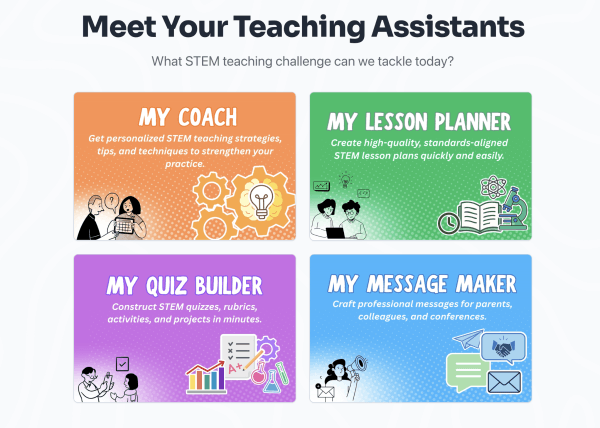
This is where My STEM Coach comes in. Designed to meet teachers right at the point of need, My STEM Coach provides context-specific advice for the exact questions running through your mind.
Rather than acting as a rigid platform that dictates how you must run your room, My STEM Coach operates as a collaborative thinking partner. You can type a question in everyday language or select from ready-made prompts to skip the “blank page” hurdle. Whether you are working through pacing, differentiation, group dynamics, or assessment strategies, the platform helps you weigh options and anticipate obstacles before students ever walk through the door..
What Is AI Coaching for STEM Teachers?
AI coaching for STEM teachers is on-demand, personalized instructional support — powered by artificial intelligence — that helps educators turn professional development concepts into daily classroom practice. My STEM Coach is built around this idea: unlike a one-time workshop, it’s available every day and adapts to a teacher’s grade level, subject, and district evaluation framework. It helps translate PD ideas into standards-aligned lessons and assessments in minutes rather than hours. For a teacher, it is like having an expert STEM coach in your pocket, available whenever you need it. And makes it easy to share with the rest of a PLC, so one teacher’s win becomes the whole team’s practice.
Demonstration: From a Teacher’s Question to a Classroom-Ready Plan
To see how this works in practice, let’s look at how a simple query transforms into a clear, actionable strategy.
The Situation: A fifth-grade teacher is preparing a bridge-building challenge using basic craft materials. She has a 45-minute block and wants to ensure the lesson delivers real engineering rigor without running out of time.
Teacher Input: “I want my fifth graders to build bridges using index cards and tape. I have 45 minutes. How can I structure this so students learn engineering—not just build something?”
My STEM Coach Output
- Core Learning Focus: Identifies NGSS 3-5-ETS1-2 (generating and comparing multiple solutions to a problem) as the anchor, (and also 3-5-ETS1-1 and 3-5-ETS1-3).
- 5-Minute Launch: Frame the lesson around a local real-world context: “A local creek floods every spring, washing away footbridges.Today, YOU are the engineers! Your challenge is to build a bridge that can span a gap using only these materials and hold as much weight as possible. What challenges do you think you’ll face trying to make paper hold heavy items?”
- Team Roles & Constraints: Assign 3 distinct roles per group (Materials Manager, Lead Engineer, Test Recorder). Cap materials at 15 index cards and 12 inches of tape.
- Productive Struggle Prompt: When bridges sag, ask: “Which part of your design is bearing the most weight? Where could you add support to distribute that load?”
- Midpoint Check (Minute 25): Pause for a 3-minute “Gallery Walk” where teams inspect other groups’ structural strategies before refining their own.
- Assessment & Cleanup: End with a 5-minute exit ticket asking students to draw their bridge and write one design modification they made based on testing. Use a 3-minute timed group cleanup routine.
See the Bridge Building Lesson Plan created by My STEM Coach for this scenario.
Teacher Follow-Up Input: “Several students tend to take over group projects in my class. How can I make participation more equitable during the building phase?”
Refined STEM Coaching Response
- Individual Design First: Require each student to draw and label a solo 2-minute sketch before sharing ideas with their team.
- Idea-Sharing Protocol: Use a round-robin protocol where each team member presents their sketch for 45 seconds without interruption before voting on a final design.
- Rotating Building Roles: Divide the physical assembly so one student handles structural folding while another handles taping, switching roles halfway through.
- Targeted Questions: During teacher checks, ask individual team members to explain why the group chose a specific design feature.
“The first answer helps create the lesson. The follow-up helps the teacher improve how the lesson will work with real students“

Teachers sharing ideas during a STEM PD or PLC Session
Five Ways My STEM Coach Supports Teachers New to STEM
| Support Area | How It Helps |
|---|---|
| 1. Turn Activities into Learning | Transforms simple crafts into rigorous standard-aligned experiences with clear learning outcomes and evidence of student thinking. |
| 2. Anticipate Classroom Obstacles | Flags potential material bottlenecks, software debugging issues, timing crunches, and group friction points before class begins. |
| 3. Build Pedagogy On-the-Fly | Explains the practical why behind strategies like the 5E model, engineering design cycles, or phenomena-based learning while you plan. |
| 4. Teach Responsible AI Integration | Guides you on how to incorporate classroom AI tools according to AI literacy standards—helping students learn when and how to use AI as a thinking partner without replacing critical thinking. |
| 5. Develop Sustained Confidence | Fosters long-term professional growth through repeated reflection, helping you build capacity with every lesson taught. |
Spotting the Opportunity: Integrating AI Standards into Your Lessons
Integrating emerging technology like AI into a STEM lesson can feel overwhelming for a first-time teacher. My STEM Coach makes this simple by showing you how to facilitate structured reflection and responsible usage following the K-12 AI standards (see our article on Teaching AI in K-12: A guide to AI standards for teachers).
For example, when a teacher asks: “How can the learning activities in my 5th-grade bridge-building lesson work with AI models? How do I guide students on when to use AI and when not to?“
My STEM Coach provides an actionable, standard-aligned framework:
- When to Use AI (Idea Generation): Allow students to use a pre-approved class AI tool after they have already built, tested, and critically analyzed their initial design failure. It serves as a digital assistant for brainstorming improvements.
- When NOT to Use AI (Core Thinking): Prohibit AI during initial design phases or final analysis. Hands-on testing and human reasoning must always come first.
- Guided Interaction Prompts: Teach students exact prompting protocols: Teach students exact prompting protocols:
- “I’m building a bridge from index cards and tape to span 30 cm. My bridge held 12 pennies but collapsed in the center. What are some ways to make an index card bridge stronger using only these materials?”
- Critical Evaluation & Reflection: Instruct students to filter AI responses against real-world constraints (“If it suggests steel girders, that’s not for us! If it suggests folding paper, think about why that works”). Require students to document in their engineering log which AI ideas they adapted, why they chose them, and how those ideas relate to the lesson’s structural concepts.
Educational research consistently underscores that sustained, context-specific coaching directly improves instructional execution and teacher efficacy. By offering responsive feedback tailored to your exact classroom conditions, My STEM Coach turns every lesson into a manageable step forward.
What My STEM Coach Can—and Cannot—Do
Building trust requires absolute clarity about the role of technology in the classroom. AI is a powerful tool, but it is not a substitute for human expertise.
My STEM Coach Can:
- Help you reflect on student responses and adapt future instruction.
- Help you quickly brainstorm and generate instructional options.
- Align custom activities to state standards and pedagogical frameworks.
- Suggest differentiated questions, classroom management protocols, and quick assessments.
My STEM Coach Cannot:
- Understand the unique personalities, strengths, and needs of your specific students.
- Replace collaborative planning with your grade-level team or instructional coaches.
- Override district-mandated scope and sequences or safety policies.
- Replace your professional intuition and real-time decision-making in the room.
The goal is not to automate teaching. The goal is to give you a clear, prepared starting point so you can focus on what matters most: interacting with your students.
Bottom Line for District Leaders: “Preventing the departure of just one STEM teacher pays for a district-wide implementation of My STEM Coach multiple times over.”
Teachers receive coaching in lesson planning, teaching concepts, differentiation, classroom management, and professional practice.
A Simple Coaching Cycle for Your Next STEM Lesson
You can put this reflective approach into practice immediately using this simple three-step habit:
[ PLAN ] —> [ TEACH & NOTICE ] —> [ REFLECT & ADJUST ]
Step 1: Plan (Before)
Ask: “What structural misconceptions, time constraints, or material management challenges should I anticipate for this specific activity?”
Step 2: Notice (During)
Observe: Note where students got stuck, which prompts unlocked deeper thinking, and how team dynamics functioned during the activity.
Step 3: Reflect (After)
Ask: “Here is what happened during today’s lesson [insert details]. What should I tweak or keep when I teach this tomorrow?”
You Don’t Have to Know Everything Before You Begin
Stepping into a STEM classroom for the first time does not mean you need to have every answer ready on day one. Real instructional confidence isn’t built by memorizing every outcome—it is built by having a clear plan, anticipating key moments, and knowing how to adjust when the unexpected happens.
With the right support, you can walk into your next block focused on guiding curiosity rather than managing chaos.
“Confidence does not come from having every answer. It comes from knowing how to find your next instructional move..”
Ready to Teach Your Next STEM Lesson with More Confidence?
Try My STEM Coach free for three months. Pick a ready-made prompt or bring the exact question that is on your mind today. No credit card required.
(Are you a district administrator looking for system-wide implementation support? Learn more about district implementations with a 15 minute consultation)
Get Started with My STEM Coach!

Students Working in a STEM Lab
About the Author
Linda Nichols-Plowman is the Founder & CEO of EdForTech (edfortech.com), an EdTech company dedicated to helping K–12 school districts navigate the rapidly evolving world of artificial intelligence. With a focus on small and mid-sized districts, EdForTech provides My STEM Coach along with consulting services, policy frameworks, and professional development to help school leaders integrate AI into their STEM initiatives and district operations with confidence.
Linda is passionate about bridging the gap between emerging technology and practical classroom implementation — ensuring that every district, regardless of size or budget, has the tools and guidance to prepare students for an AI-driven future.
Where should we send this resource?
Share This Article
Know a colleague who is teaching STEM for the first time? Share this guide via Email, LinkedIn, or X with this summary: Teaching STEM for the first time? Get practical classroom strategies, simple frameworks, and real-time coaching support to plan your next lesson with confidence.
FAQs: Common Questions
Resources: Trusted Links for AI Coaching for STEM Teachers
- Document Sources
- TNTP. (2015). The Mirage: Confronting the Hard Truth About Our Quest for Teacher Development. Kraft, M. A., Blazar, D., & Hogan, D. https://www.ed.gov/about/ed-overview/artificial-intelligence-ai-guidance
- (2018). The Effect of Teacher Coaching on Instruction and Achievement: A Meta-Analysis of the Causal Evidence. Review of Educational Research, 88(4), 547–588. Learning Policy Institute. https://journals.sagepub.com/doi/abs/10.3102/0034654318759268
- (2017). Effective Teacher Professional Development (research brief). https://learningpolicyinstitute.org/sites/default/files/product-files/Effective_Teacher_Professional_Development_BRIEF.pdf
- (2017). Teacher Turnover: Why It Matters and What We Can Do About It. Learning Policy Institute. https://learningpolicyinstitute.org/product/teacher-turnover-report
- (2025) AI Use in Schools Is Quickly Increasing but Guidance Lags Behind Findings from the RAND Survey Panels. https://www.rand.org/pubs/research_reports/RRA4180-1.html
- National Science Teaching Association (NSTA) – Professional Learning Resources. https://www.google.com/search?q=https://www.nsta.org
- Learning Policy Institute – Research on Effective Teacher Induction https://www.google.com/search?q=https://learningpolicyinstitute.org
- REL West – Instructional Coaching and Educator Support Research https://www.google.com/search?q=https://ies.ed.gov/ncee/edlabs/regions/west/
- Creating Teachable Moments in Science with Rodger Bybee (Youtube) – The International Science Teaching Foundation and its project Science Bits https://www.youtube.com/watch?v=boAnWl3vu3Y
- Rand Study – The State of Public Education in 2026 https://www.rand.org/pubs/commentary/2026/08/the-state-of-public-education-in-2026-in-five-charts.html
- Gallup and the Walton Family Foundation Study – Closing the Expectations Gap https://www.gallup.com/analytics/659819/k-12-teacher-research.aspx
This article was developed through collaboration between K–12 EdTech specialists and instructional AI tools (Gemini and ChatGPT) to provide practical, research-informed guidance for educators.